
Give work a workflow
Define states and transitions for your records. Make approvals and other business actions part of the application.
Add a workflowVUEDA / Django + Vue
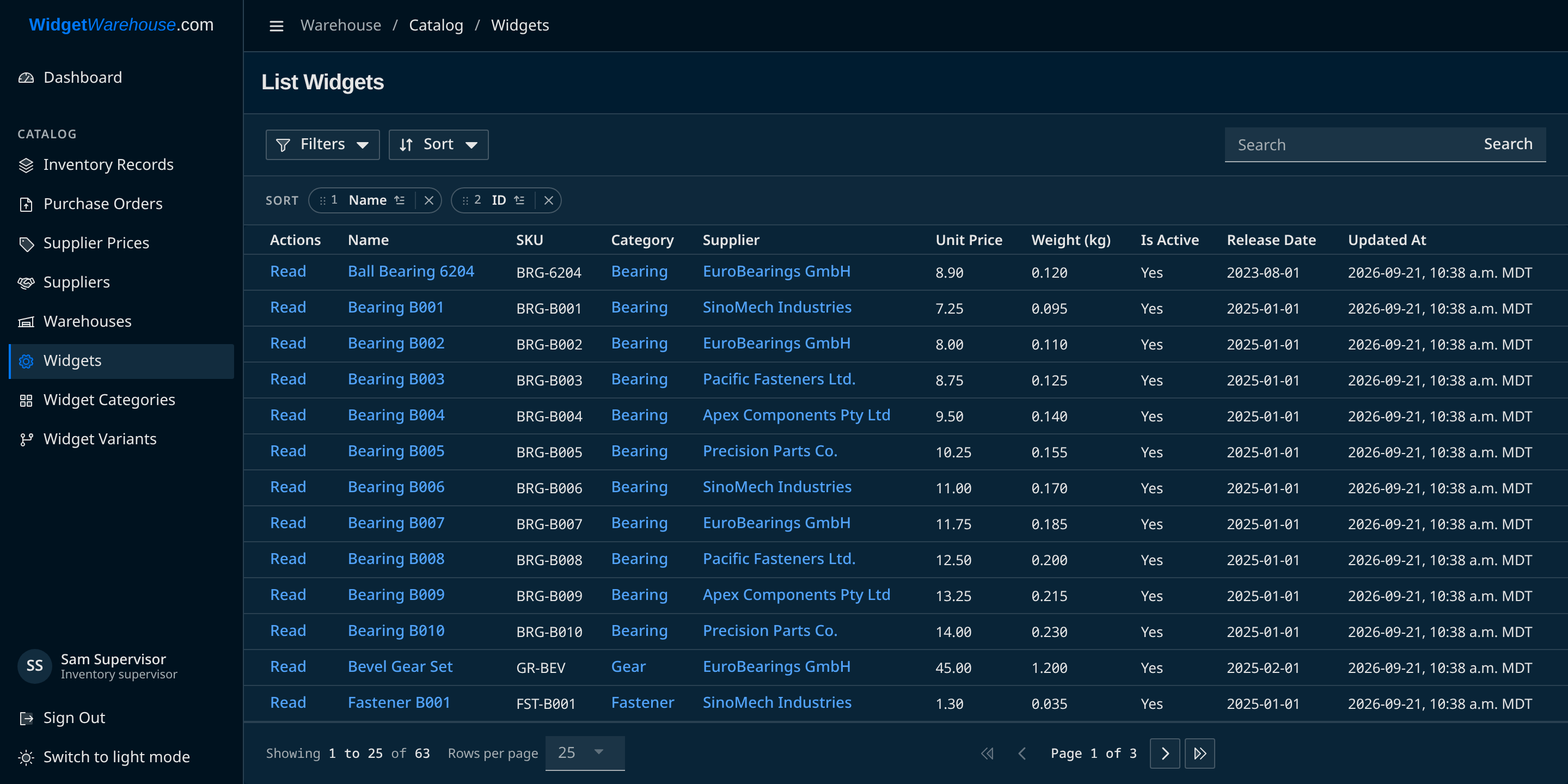
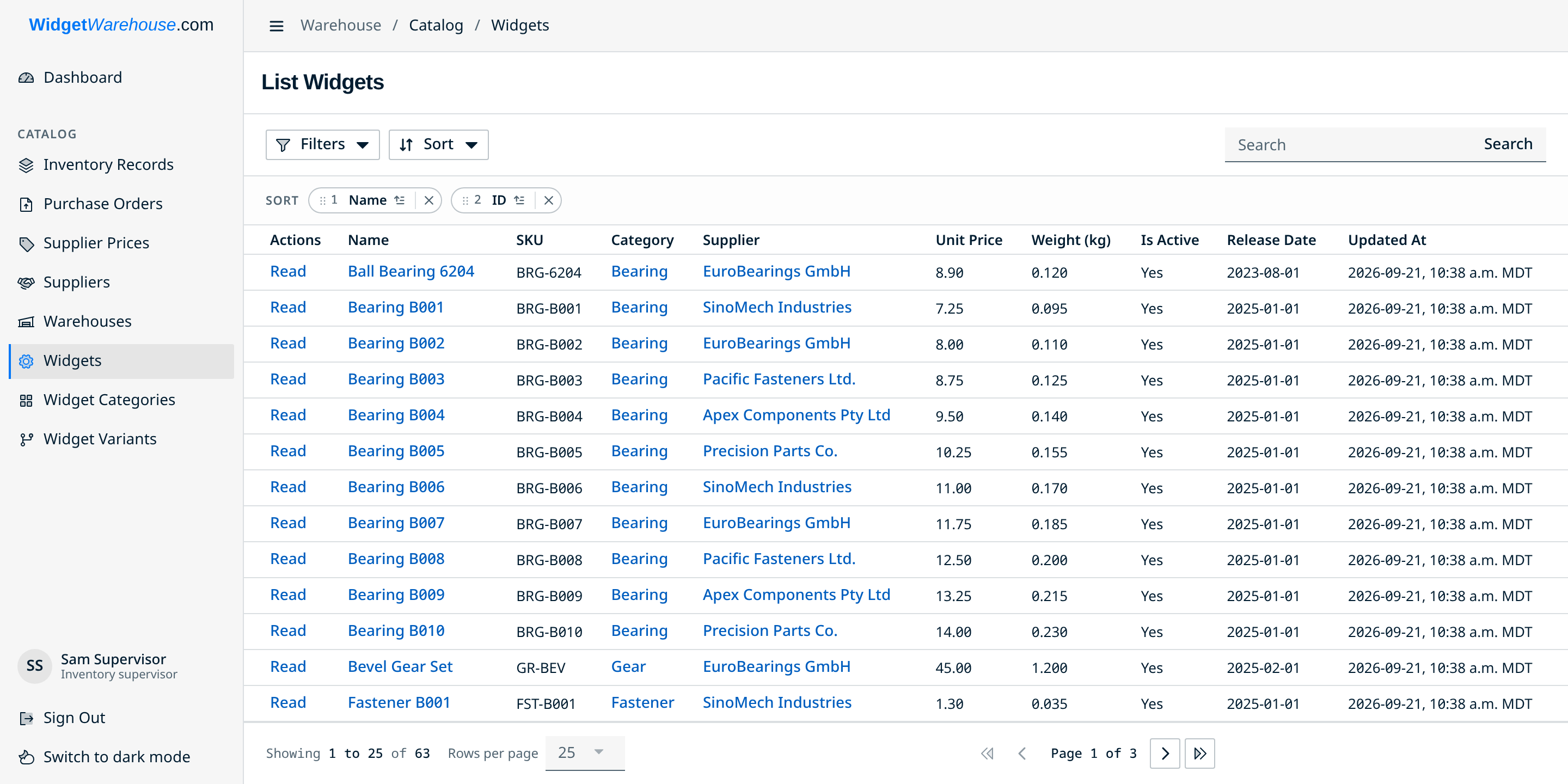
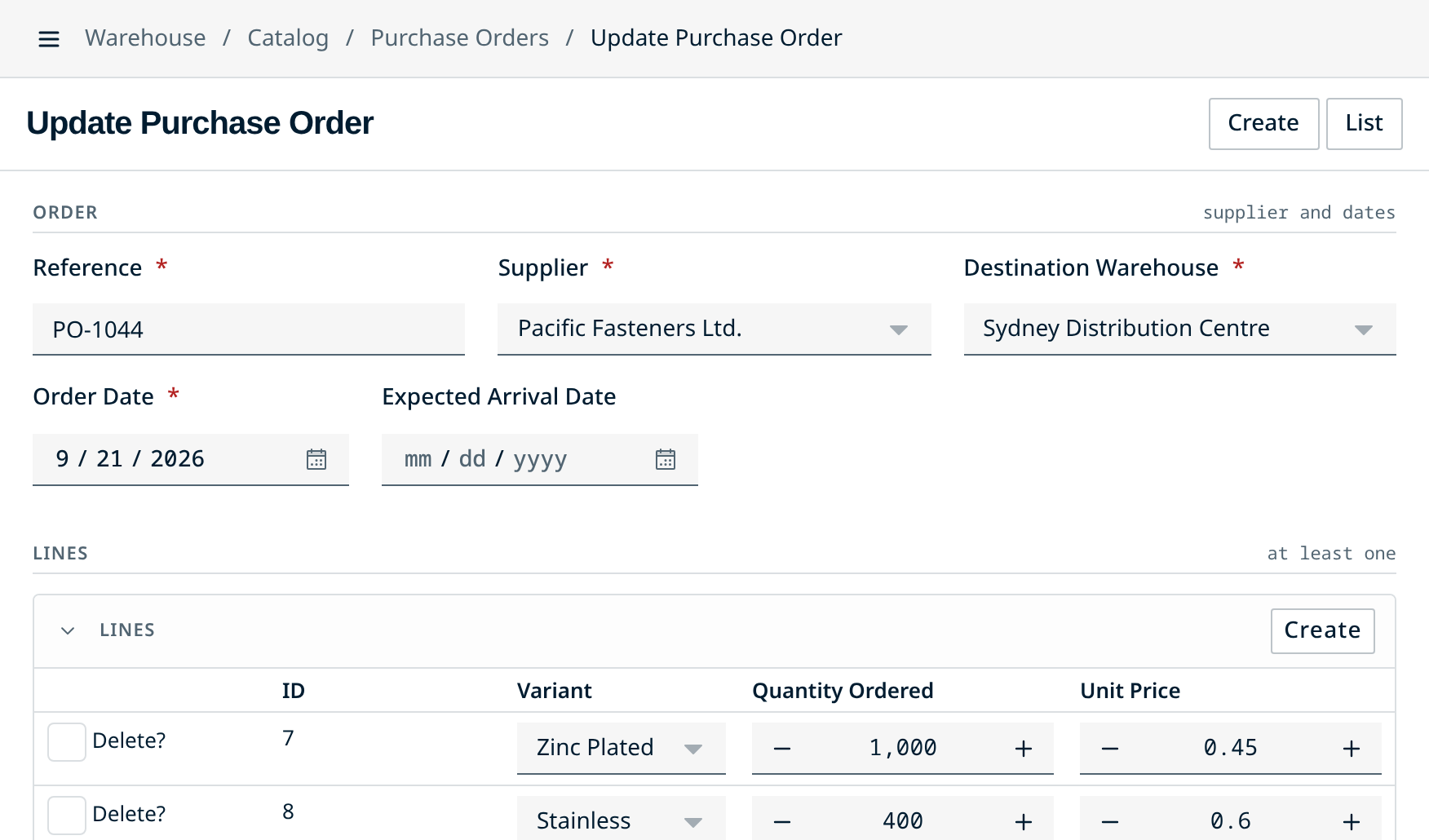
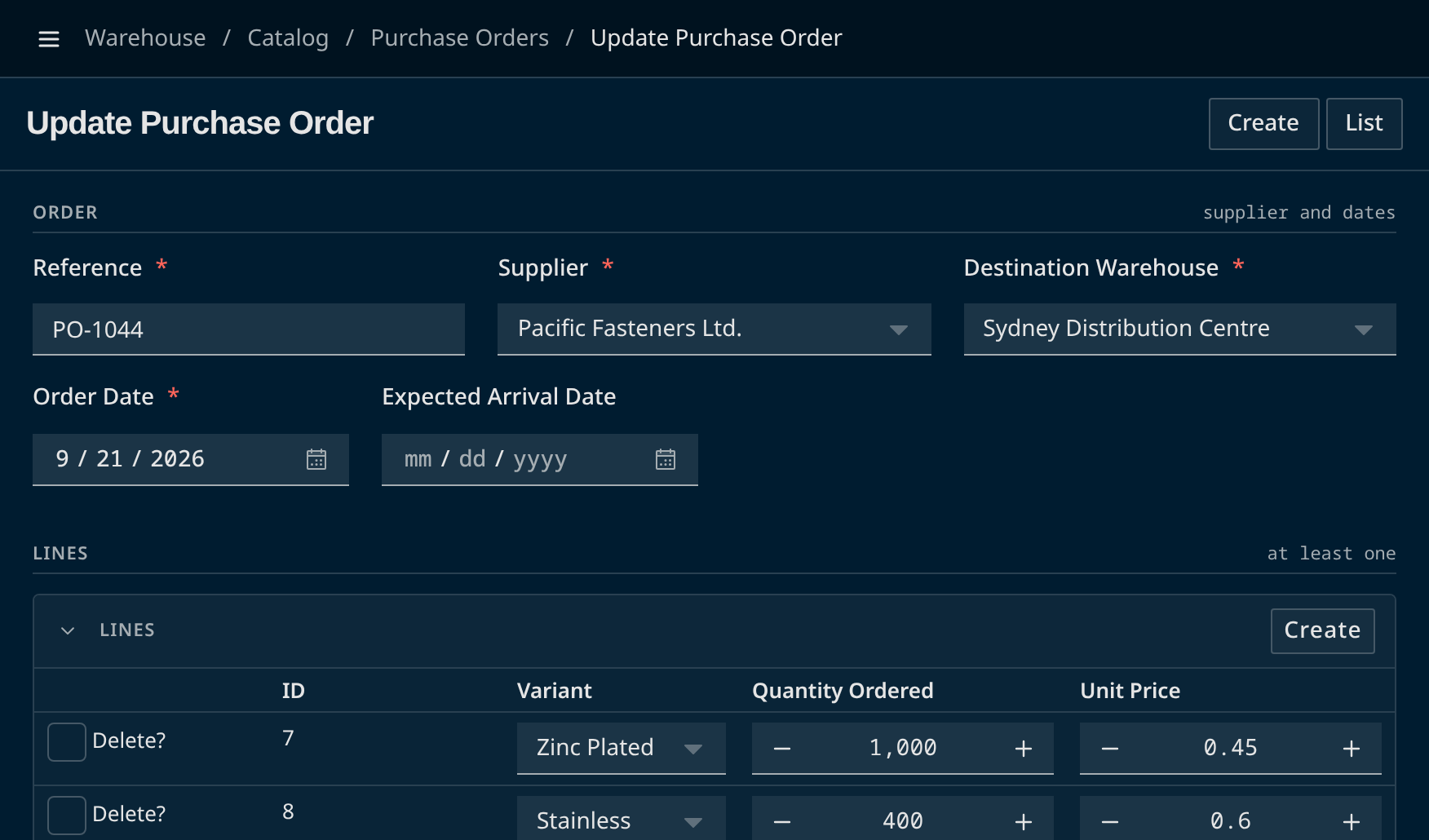
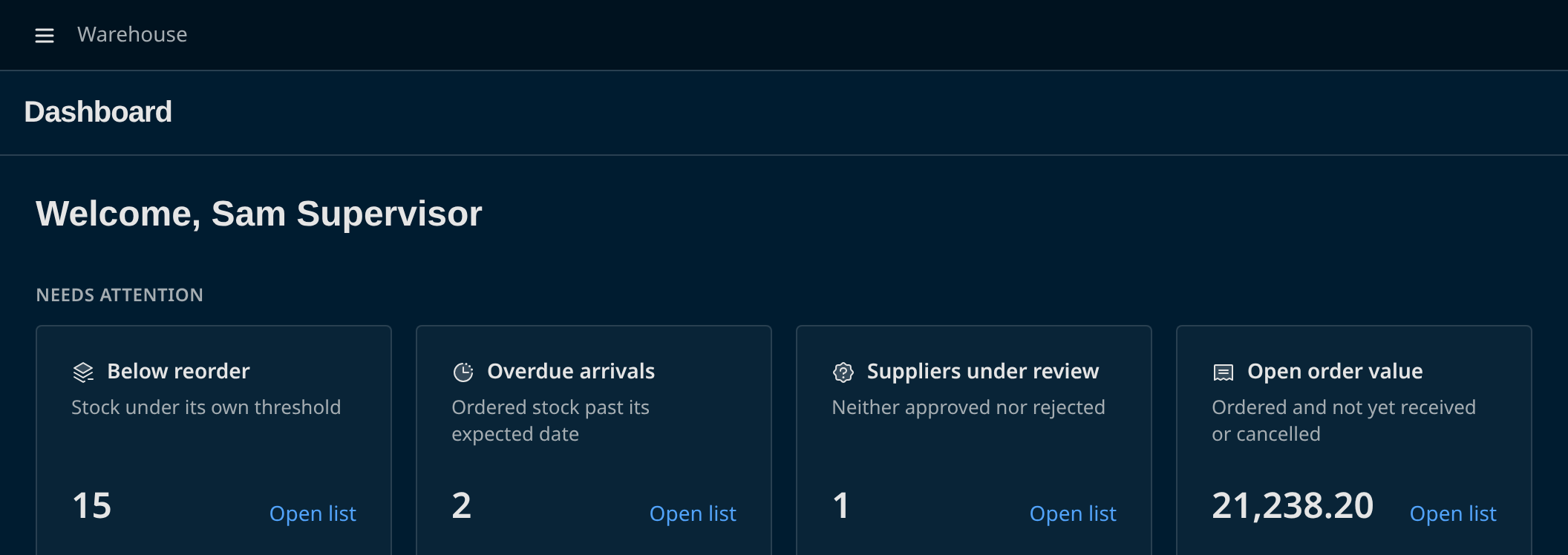
Turn your Django models, serializers, and viewsets into Vue forms, lists, and detail screens. Add workflows, permissions, and audit history, with room to make the UI your own.
To try the demo, choose an account on its sign-in page.
How it works
Once your application is connected, standard model screens need no separate per-model frontend code.
Build models, serializers, and viewsets with VUEDA's Django and REST framework base classes.
class PurchaseOrder(VuedaModel):
    reference = models.CharField(max_length=32)
    supplier = models.ForeignKey(Supplier, ...)
    order_date = models.DateField()


class PurchaseOrderViewSet(VuedaViewSet):
    queryset = PurchaseOrder.objects.all()
serializer_class = PurchaseOrderSerializerRegister your models. VUEDA exposes metadata: information about their fields, actions, and permissions.
{
  "verbose_name": "purchase order",
  "model_fields": {
    "supplier": {
      "label": "Supplier",
      "required": true,
      "type_model": "ForeignKey",
      "model": "supplier"
    },
    "order_date": { ... }
  },
  "model_actions": [{ "name": "update", ... }]
}The Vue client uses that metadata to generate routes, forms, lists, and detail views.
Beyond editing records
Define states and transitions for your records. Make approvals and other business actions part of the application.
Add a workflowEnforce model, object, and workflow permissions on the server. Inspect audit history to see what changed and who changed it.
Understand permissionsConfigure fields and list columns, add custom Vue views, and adjust the theme to fit your application.
Customize your views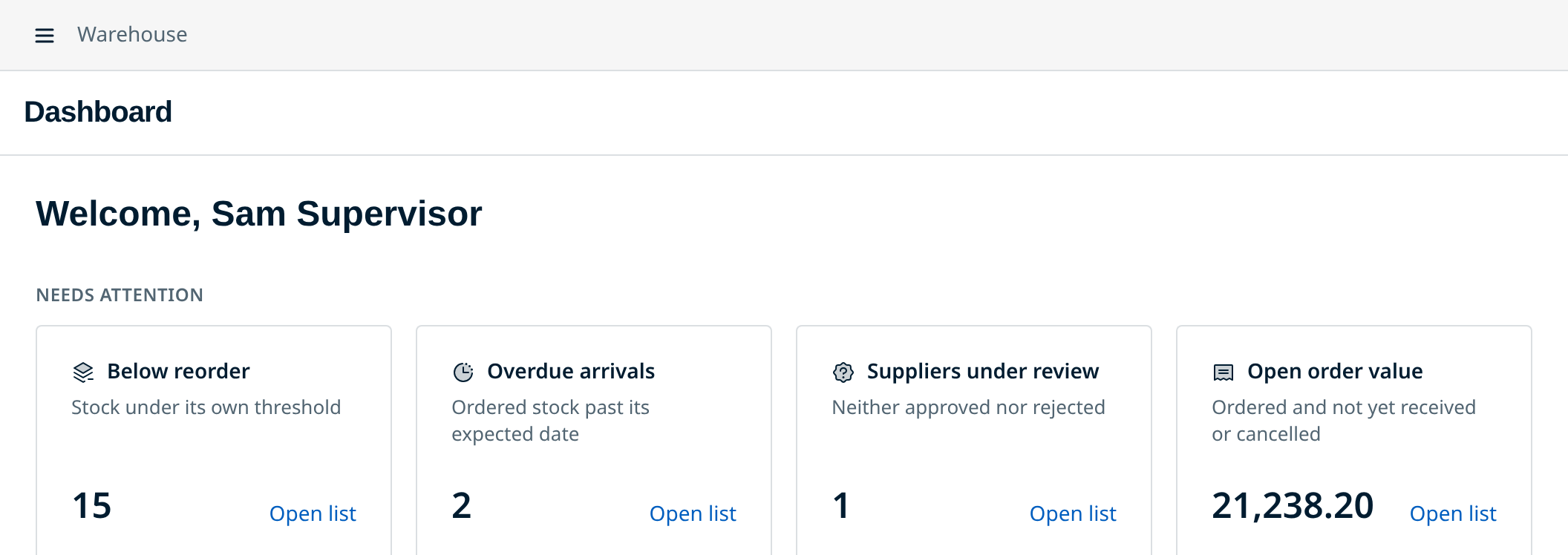
Your first application
Scaffold a project, connect Django and Vue, and build your first screens with the step-by-step tutorial.
Built on Django REST framework, PostgreSQL, and Vue 3.
VUEDA: Vue.js User Experience for Django Administration.BSD 3-Clause license Built by Arrai Innovations